Working Smarter in the AI Era — Part 7
Introduction
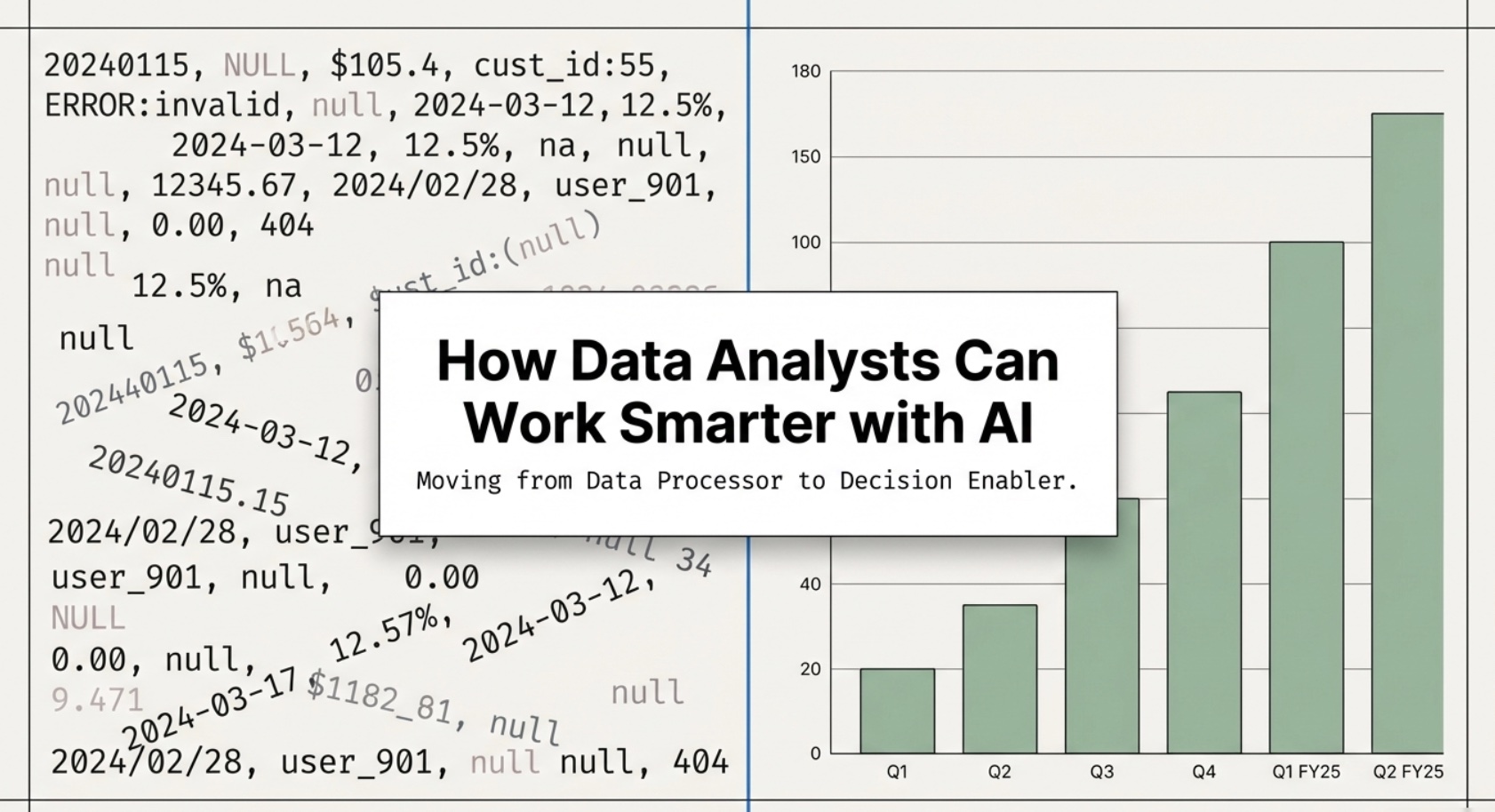
Data is often called the “new oil,” but for data analysts, it can sometimes feel more like crude than refined fuel.
Organizations today collect massive amounts of data from:
Customer interactions
Sales transactions
Marketing campaigns
Product usage
Yet despite this abundance, many businesses struggle to extract meaningful insights.
Why?
Because data analysts—who are supposed to turn data into decisions—are often buried in repetitive, manual work.
According to McKinsey & Company, data professionals spend up to 80% of their time on data preparation rather than analysis.
This is where artificial intelligence fundamentally changes the game.
AI enables data analysts to:
Automate repetitive tasks
Accelerate insight generation
Focus on strategic thinking
Deliver higher business impact
This article explores how data analysts can work smarter—not harder—by integrating AI into their daily workflows.
The Traditional Challenges Data Analysts Face
Before understanding the benefits of AI, it’s important to identify the inefficiencies in traditional data workflows.
1. Data Preparation Bottleneck
Data rarely comes clean. Analysts must:
Remove duplicates
Handle missing values
Standardize formats
Merge datasets
This process is time-consuming and often repetitive.
2. Manual Querying
Writing SQL queries is a core skill, but:
Queries are often repetitive
Small changes require rewriting
Errors can easily occur
Even experienced analysts spend hours refining queries.
3. Static Reporting
Many organizations rely on:
Weekly reports
Monthly dashboards
Executive summaries
These reports often follow the same structure but require manual updates.
4. Communication Gap
One of the biggest challenges is not analysis—it’s explanation.
Data analysts must translate complex findings into:
Business insights
Actionable recommendations
Clear narratives
This step often slows down decision-making.
How AI Is Transforming Data Analysis
AI does not eliminate the need for data analysts. Instead, it redefines their role.
From Data Processor → Insight Strategist
AI allows analysts to:
Spend less time preparing data
Spend more time interpreting it
Focus on strategic recommendations
1. AI-Powered Data Cleaning
AI tools can automatically:
Detect inconsistencies
Fill missing values
Normalize data formats
What once took hours can now take minutes.
2. Natural Language Querying
Instead of writing SQL manually, analysts can use tools like ChatGPT to generate queries instantly.
Example prompt:
“Write a SQL query to find the top 10 customers by revenue in the past year.”
3. Automated Insight Generation
AI can:
Identify trends
Detect anomalies
Highlight correlations
This enables analysts to move faster from data to insight.
4. AI-Driven Storytelling
AI can transform data into:
Executive summaries
Reports
Presentation outlines
This bridges the gap between technical analysis and business communication.
Real-World Statistics on AI and Data Analytics
To understand the real impact, let’s look at data from leading organizations:
Gartner predicts that by 2026, 80% of data analytics processes will be automated or augmented by AI
PwC estimates that AI could contribute up to $15.7 trillion to the global economy by 2030
Forrester reports that companies using AI-driven analytics see significantly faster decision-making cycles
These numbers highlight a clear trend:
👉 AI is not optional—it is becoming essential.
Practical AI Use Cases for Data Analysts
Let’s break this down into actionable use cases.
1. Data Cleaning Automation
Instead of manually cleaning datasets, analysts can use AI to:
Remove duplicates
Standardize fields
Identify missing values
Example Prompt:
“Clean this dataset, standardize all date formats, and highlight missing values.”
2. SQL Query Generation
AI can generate queries instantly.
Example:
“Write a SQL query to calculate monthly revenue growth rate.”
This reduces time spent coding and debugging.
3. Exploratory Data Analysis (EDA)
AI can perform initial analysis by:
Summarizing datasets
Identifying trends
Suggesting hypotheses
4. Automated Reporting
AI can generate reports such as:
Weekly performance summaries
Executive dashboards
KPI reports
5. Predictive Insights
AI enables analysts to:
Forecast trends
Predict customer behavior
Identify risks
A Day in the Life: Before vs After AI
Before AI
Spend hours cleaning data
Write SQL queries manually
Build reports from scratch
Struggle to communicate insights
After AI
Clean data in minutes
Generate queries instantly
Focus on insights and strategy
Deliver clear, actionable recommendations
AI Tools Every Data Analyst Should Know
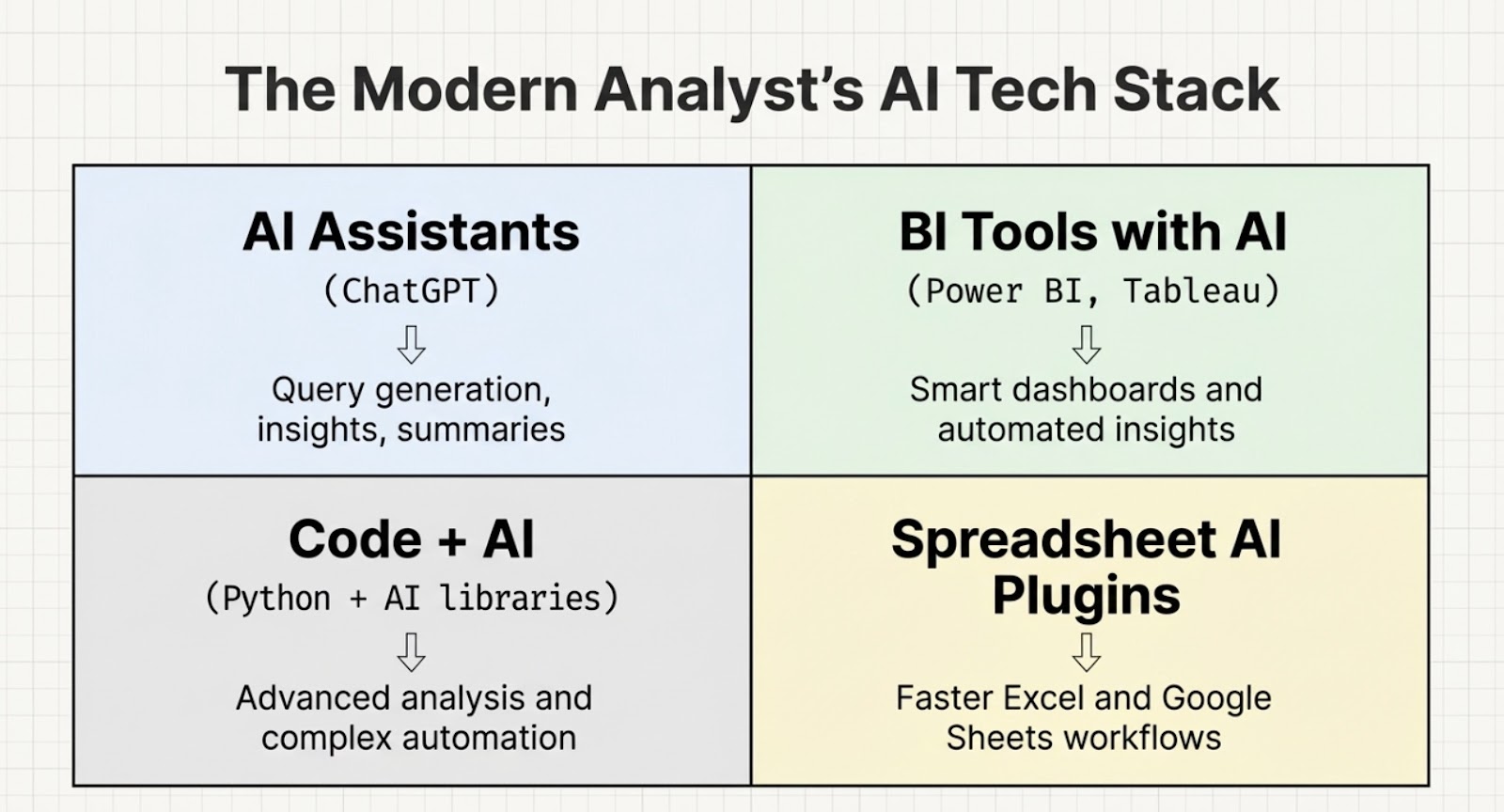
1. AI Assistants
ChatGPT
Google Gemini
2. BI Tools with AI
Power BI
Tableau
3. Programming + AI
Python with AI libraries
4. Spreadsheet AI Tools
AI plugins for Excel / Google Sheets
The Future Role of Data Analysts
AI will not eliminate data analysts—but it will redefine them.
The future analyst will be:
A strategic thinker
A storyteller
A decision influencer
Risks and Limitations of AI
While powerful, AI has limitations:
It may generate incorrect insights
It lacks full business context
It requires human validation
Final Thoughts
The role of the data analyst is evolving.
AI removes the repetitive, manual work that once defined the job.
In its place, it creates an opportunity:
👉 To focus on insight 👉 To influence decisions 👉 To drive business impact
Those who embrace AI will not only work smarter—they will lead the future of data-driven organizations.
Internal Links (Series)
How Marketing Professionals Can Work Smarter with AI
How Product Manager Can Work Smarter with AI
How Accountants Can Work Smarter with AI
How B2B Sales Can Work Smarter with AI
How Students Can Work Smarter with AI
How HR Can Work Smarter with AI
References
McKinsey Global Institute — The State of AI
Gartner — Analytics Predictions
PwC — AI Economic Impact Report
Forrester — Data & AI Insights
Disclaimer
This article is for informational purposes only. AI adoption and its impact may vary depending on industry, organization, and individual capabilities.